3CX call sync for your CRM: teams of 25 to 100 users
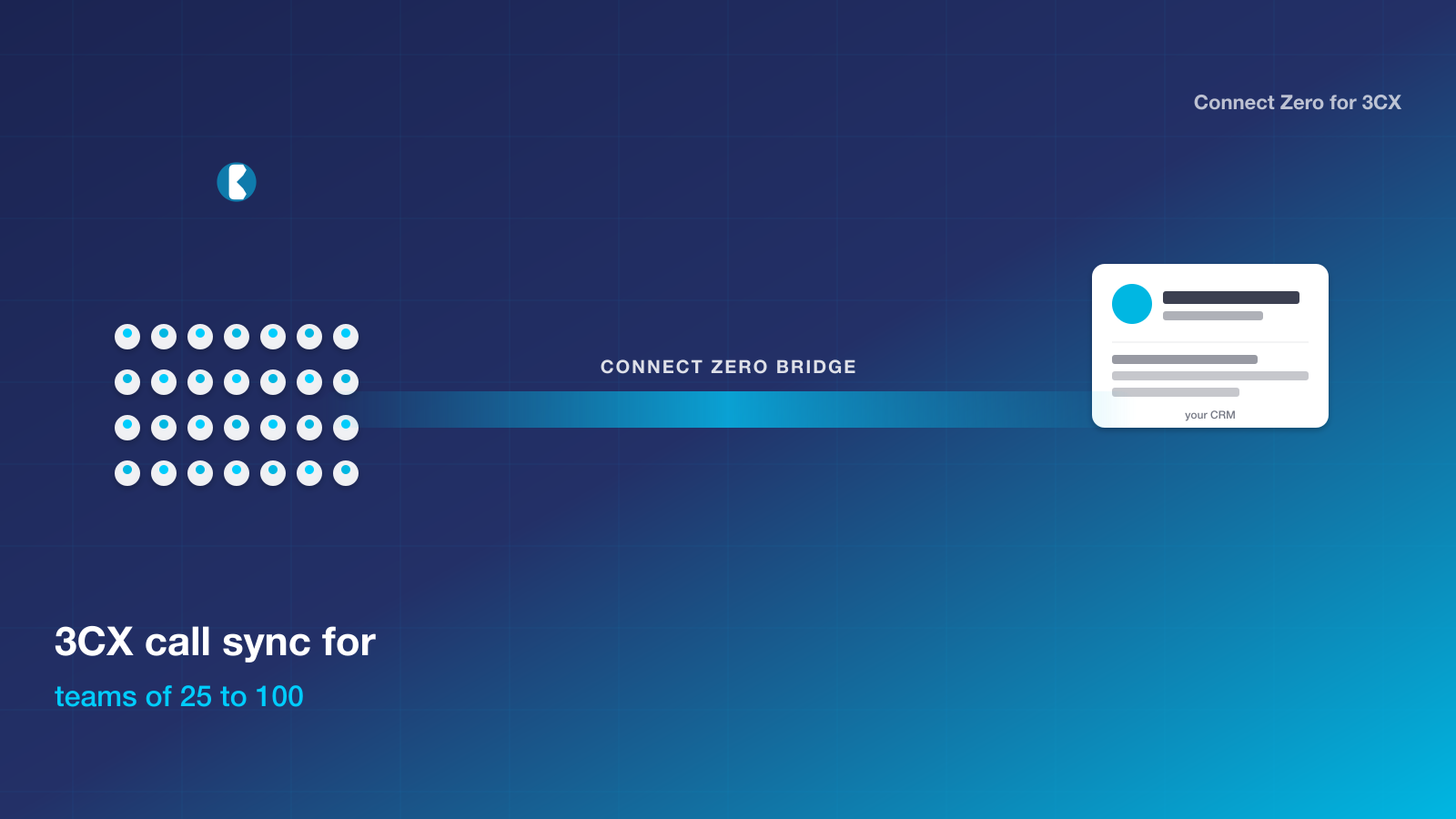
If you run a team of 25 to 100 users on 3CX and your CRM is the one your team logs into every day, you have a clear path to tie phone calls into customer records without changing your phone system. Connect Zero for 3CX is the bridge that sits between the two, streaming live call events into your CRM, attaching recordings to the matching contact, and firing workflow triggers on missed calls.
TL;DR: Mid-market teams of twenty-five to one hundred users on 3CX get a flat-price CRM bridge that does not penalise scale. USD 39 per location per month covers the whole team regardless of seat count. Usage meters scale with call volume. Two-minute install.
Why teams of 25 to 100 users pick Connect Zero for 3CX
Mid-market teams in the twenty-five-to-one-hundred-user range face the worst of per-seat pricing. At fifty users on USD 30 a seat, the per-seat bill alone is USD 1,500 a month for what is supposed to be a CRM phone integration. The team is large enough to need the integration badly and large enough to be a financially material decision, but the dominant pricing model penalises exactly the team size that needs it most. Many teams build internal integrations instead, which then become an engineering maintenance burden.
What pulls mid-market teams toward Connect Zero for 3CX is the flat price at scale. USD 39 per location holds at fifty users and at one hundred users. The usage meters scale with call volume. A fifty-user inside sales team doing eight thousand inbound calls a month lands at around USD 200 a month total, versus USD 1,500 plus on per-seat pricing. The economics break in favour of the team rather than against it.
The habit that traps mid-market teams is the in-house-integration pattern. Internal engineering builds a 3CX-to-CRM bridge as a side project, maintains it for a year, and then nobody owns it when the original engineer moves on. The bridge replaces that pattern with a marketplace app that gets maintained by Connect Zero. Engineering goes back to building product.
The anxiety with any new tool at this size is enterprise readiness. Connect Zero for 3CX runs as a marketplace app on your CRM. The bridge handles the call event flow, the recording attachment, and the workflow trigger. The team continues to answer 3CX calls exactly as they do today.
The team of 25 to 100 users reality
Mid-market teams have the worst per-seat pricing economics in the CRM phone integration market. At fifty users, the per-seat bill on a competing tool is large enough to be a board-line decision but small enough that it does not get enterprise volume discounts. Many teams in this segment skip the off-the-shelf bridge and build their own. The internal bridge works for a while, then breaks when 3CX releases an API change or when the CRM updates its webhook contract. Engineering ends up maintaining a glue layer instead of building product. Recording attachment, missed-call workflows and dashboard reporting all suffer because the internal bridge prioritises core call-event flow and leaves the polish features off the roadmap. The team has the integration in name but not in practice.
How Connect Zero for 3CX fits
Connect Zero for 3CX uses a flat-per-location price that holds from one user to one hundred users. USD 39 per month plus usage meters covers a mid-market team for under USD 250 a month in typical call volume. The bridge handles call event flow, recording attachment, missed-call workflows and dashboard reporting end to end. Engineering does not have to maintain a glue layer. The marketplace app gets maintained by Connect Zero as 3CX and the CRM evolve. Two-minute install, no rollout project, no per-user configuration. The team continues to answer 3CX calls as they do today and the CRM gains the bridge in the background.
Install in five steps
Five steps, about two minutes from start to first call event in your CRM.
- Open your CRM marketplace, search Connect Zero for 3CX, and click Install. Pick the sub-account or location you want the bridge to write into.
- Paste your 3CX address (the public HTTPS URL of your 3CX system) and the 3CX API user credentials. The setup wizard checks the connection and lists your extensions.
- Map your 3CX extensions to users in your CRM. The wizard guesses by email match first and lets you adjust before saving.
- Confirm the marketplace pricing acceptance. The bridge starts on the USD 39 standard plan with two usage meters listed.
- Activate the connector. Inbound and outbound calls start flowing into your CRM within seconds of the next 3CX call event.
If your 3CX system is behind a VPN or restricted by IP, you allowlist the Connect Zero outbound IPs (documented in the setup guide) and the bridge connects without further configuration.
Trust signals
- USD 39 per location per month, no per-seat fee
- Cancel any time by uninstalling from your CRM marketplace
- Australian-built, Australian-hours support from Adelaide
- Free trial on your existing 3CX setup, no credit card required to start
- Works with any 3CX hosting (self-hosted, 3CX cloud, partner-hosted)
Frequently asked questions
Can the bridge handle high call volumes without dropping events?
Yes. The event flow is asynchronous. The 3CX call itself is not gated by the bridge. Call events queue and process in near real time. At typical mid-market volumes, processing is sub-second.
Does the flat price hold at one hundred users?
Yes. The flat per-location price is USD 39 per month regardless of user count. Usage meters scale with call volume. There is no tier change at any user count below or above one hundred.
Can we configure SSO for our team to access Connect Zero?
The bridge runs as a marketplace app inside your CRM. The CRM authentication carries through. If your CRM supports SSO, the bridge inherits the same SSO.
Does this support custom event flows for our internal reporting?
The bridge writes calls as standard CRM activities. If your CRM exposes webhook events for activities, your internal reporting pipeline can subscribe to those. The bridge does not need to be modified for internal reporting integration.
Ready to bridge 3CX into your CRM?
Three ways to start, in increasing depth.
- Start a free trial of Connect Zero for 3CX from your CRM marketplace. No credit card required to install.
- Book a demo to see calls flowing into a sample CRM sub-account from a sample 3CX dataset before you commit.
- Talk to sales if you need help sizing the setup for a team of 25 to 100 users and want a walkthrough before install.
Two related pages worth a read before you decide: the Aircall-to-CRM bundle comparison covers the cost shape if you are weighing a PBX replacement, and the JustCall-to-CRM bundle comparison does the same for the JustCall path. The Connect Zero pricing page lays out the meters with a worked monthly example, and the setup guide walks through the same five-step install in more detail.
For smaller teams, see the 5-25 users page. For larger enterprises, see the 100+ users page. For multi-office operators, see the multi-location agency page.
Last updated 2026-05-24 by the Connect Zero team. Adelaide, South Australia. Questions about your specific 3CX setup? Use the contact page or email hello@connectzero.com.au.