3CX call sync for your CRM: retail businesses
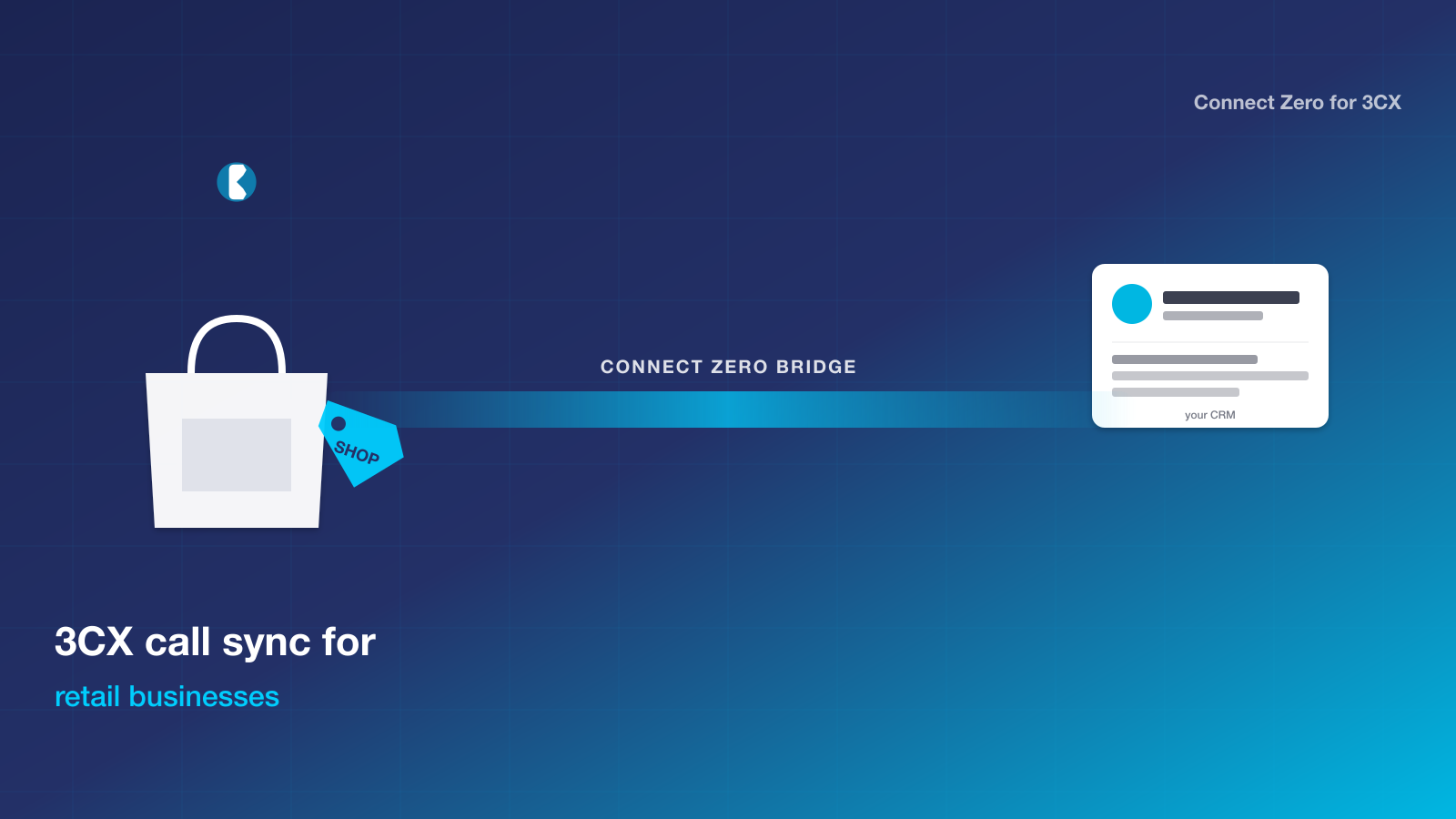
If you run retail businesses on 3CX and your CRM is the one your team logs into every day, you have a clear path to tie phone calls into customer records without changing your phone system. Connect Zero for 3CX is the bridge that sits between the two, streaming live call events into your CRM, attaching recordings to the matching contact, and firing workflow triggers on missed calls.
TL;DR: Retail businesses on 3CX use Connect Zero for 3CX to attach customer calls to the right CRM customer record. Product enquiries, order chases and complaint calls all write to the contact timeline with recordings linked, so the store team and head office see the same customer trail. USD 39 per store, no per-seat fee, two-minute install.
Why retail businesses pick Connect Zero for 3CX
Retail businesses run customer service through a mix of in-store, phone and online channels. The phone is often the highest-stakes channel because the customer is already frustrated by the time they ring. Without a bridge, the call gets handled by whoever picks up, the customer details get scribbled on a notepad, and the resolution lives in someone’s head. When the customer rings back two days later, the new staff member starts from scratch.
What pulls retail businesses toward Connect Zero for 3CX is the multi-store customer trail. Every customer call attaches to the contact in the CRM. When the customer rings any store, any staff member can see the previous calls and pick up the conversation cleanly. Complaint escalation routes through the same trail. Head office reviews call volume per store and missed-call rate per store from one dashboard.
The habit that traps retail businesses is the per-store-paper-pad pattern. Each store keeps its own customer call notes on paper or in a basic POS field. Calls do not transfer between stores. The bridge replaces that habit by writing every call to a central CRM, so the customer record is the same record regardless of which store took the call.
The anxiety with any new tool in a retail environment is whether store staff will use it. Connect Zero for 3CX writes calls automatically. Store staff do not change how they answer the phone. The call lands in the CRM whether the staff member updates it afterwards or not. Adoption is automatic.
The retail businesses pain point
Retail businesses with multiple stores face a fragmented customer view by default. Customer enquiries hit whichever store happens to be closest or whichever number the customer rang. Each store keeps its own informal record. Product enquiries, order chases, complaints and returns all generate phone calls, but the calls do not consolidate across stores. When the customer rings store A on Monday and store B on Wednesday, store B has no idea what happened on Monday. The customer has to restate their issue. Recordings sit in 3CX storage with no link to the customer in the CRM. Head office has no visibility on call volume per store, missed-call rate per store, or which store is generating the most complaint calls. Capacity planning and staff training both run on guesswork.
How Connect Zero for 3CX solves it
Connect Zero for 3CX writes every call to the matching customer in your CRM with the 3CX recording link attached. The CRM is one record per customer regardless of which store took the call. When the customer rings store B on Wednesday, the staff member opens the customer record and sees the Monday call from store A with the recording attached. The conversation continues from where it left off. Missed calls trigger a workflow so the customer gets an SMS callback offer. Head office opens a CRM dashboard and sees call volume per store, missed-call rate per store, and complaint patterns slicing across all stores. For chains with regional managers, the slice is regional as well. The recording stays in 3CX storage with your existing retention policy.
Install in five steps
Five steps, about two minutes from start to first call event in your CRM.
- Open your CRM marketplace, search Connect Zero for 3CX, and click Install. Pick the sub-account or location you want the bridge to write into.
- Paste your 3CX address (the public HTTPS URL of your 3CX system) and the 3CX API user credentials. The setup wizard checks the connection and lists your extensions.
- Map your 3CX extensions to users in your CRM. The wizard guesses by email match first and lets you adjust before saving.
- Confirm the marketplace pricing acceptance. The bridge starts on the USD 39 standard plan with two usage meters listed.
- Activate the connector. Inbound and outbound calls start flowing into your CRM within seconds of the next 3CX call event.
If your 3CX system is behind a VPN or restricted by IP, you allowlist the Connect Zero outbound IPs (documented in the setup guide) and the bridge connects without further configuration.
Trust signals
- USD 39 per location per month, no per-seat fee
- Cancel any time by uninstalling from your CRM marketplace
- Australian-built, Australian-hours support from Adelaide
- Free trial on your existing 3CX setup, no credit card required to start
- Works with any 3CX hosting (self-hosted, 3CX cloud, partner-hosted)
Frequently asked questions
Will calls from different stores consolidate onto one customer record?
Yes. The bridge matches calls by phone number against contacts in your CRM. If the same customer rings store A and store B, both calls attach to the same customer record. The store the call originated from is recorded as a tag on the activity.
Can head office see call volume across all stores in one dashboard?
Yes. The CRM dashboard slices call activity by store (which maps to CRM sub-account or location). Head office sees the consolidated view. Regional managers see the slice for their region.
Does this work for retail businesses with seasonal staff?
Yes. The bridge maps 3CX extensions to CRM users. Seasonal staff who get a temporary CRM user and a temporary 3CX extension are picked up automatically. When they leave, the extension mapping is removed in one click.
Can we use this for order-chase calls as well as complaint calls?
Yes. The bridge writes every call regardless of type. If your CRM tags calls by category (order chase, complaint, enquiry), the workflow can set the category based on which workflow trigger fired.
Ready to bridge 3CX into your CRM?
Three ways to start, in increasing depth.
- Start a free trial of Connect Zero for 3CX from your CRM marketplace. No credit card required to install.
- Book a demo to see calls flowing into a sample CRM sub-account from a sample 3CX dataset before you commit.
- Talk to sales if you run a retail business group across multiple locations and want help mapping your 3CX extensions across sub-accounts before install.
Two related pages worth a read before you decide: the Aircall-to-CRM bundle comparison covers the cost shape if you are weighing a PBX replacement, and the JustCall-to-CRM bundle comparison does the same for the JustCall path. The Connect Zero pricing page lays out the meters with a worked monthly example, and the setup guide walks through the same five-step install in more detail.
For retail businesses in adjacent service segments, see also the hospitality, trades and multi-location agency pages.
Last updated 2026-05-24 by the Connect Zero team. Adelaide, South Australia. Questions about your specific 3CX setup? Use the contact page or email hello@connectzero.com.au.